EB Let's talk

Designing the website for a portable outdoor kitchen, so adventurers can find the right fit for their vehicle and buy with confidence

Client

Nomad Kitchen Co

Role

Founding Product Designer

Duration

May 2022 to Apr 2024

Platform

Responsive web (Wix)

Impact

40%

Reduction in customer service calls

Rebuilding the Fit Your Vehicle and FAQ pages around the questions customers were already asking took the most common support conversations off the phone and onto the page.

18%

Increase in sales

A new product listing page and an embedded store shortened the path from browsing to checkout.

23%

Higher task completion

Measured across multiple rounds of usability testing on the fit and purchase flows.

Context

Background

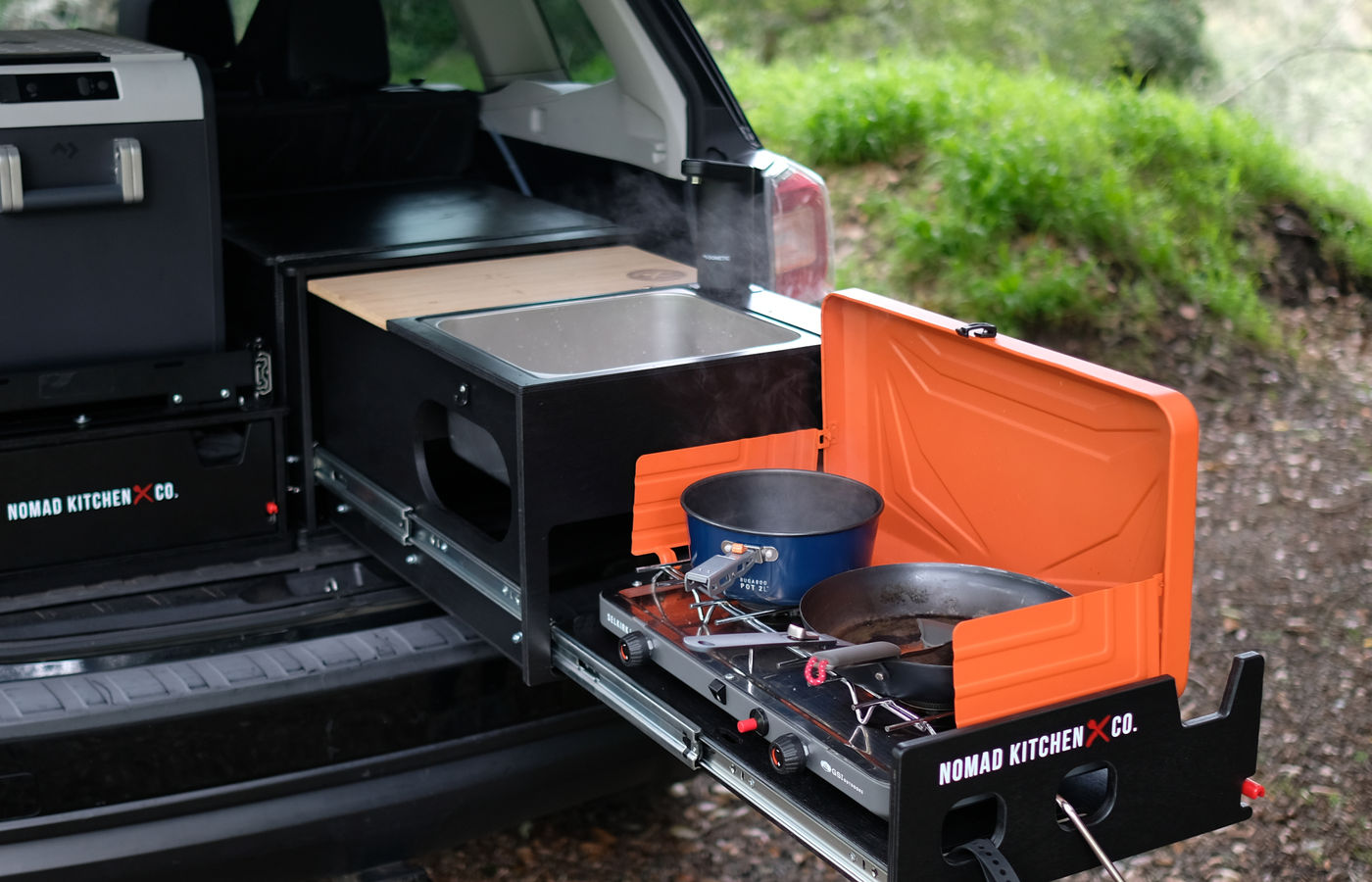
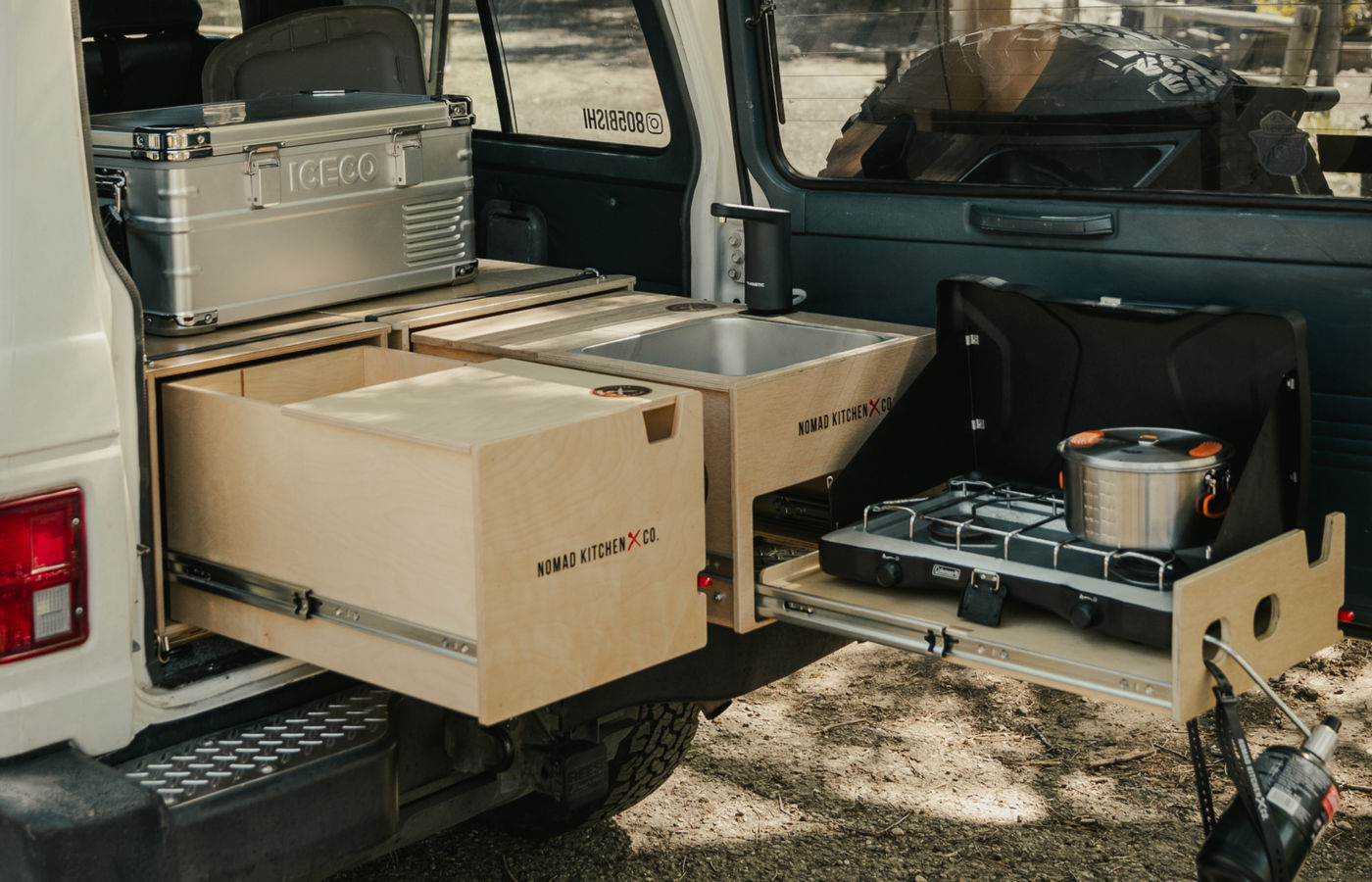
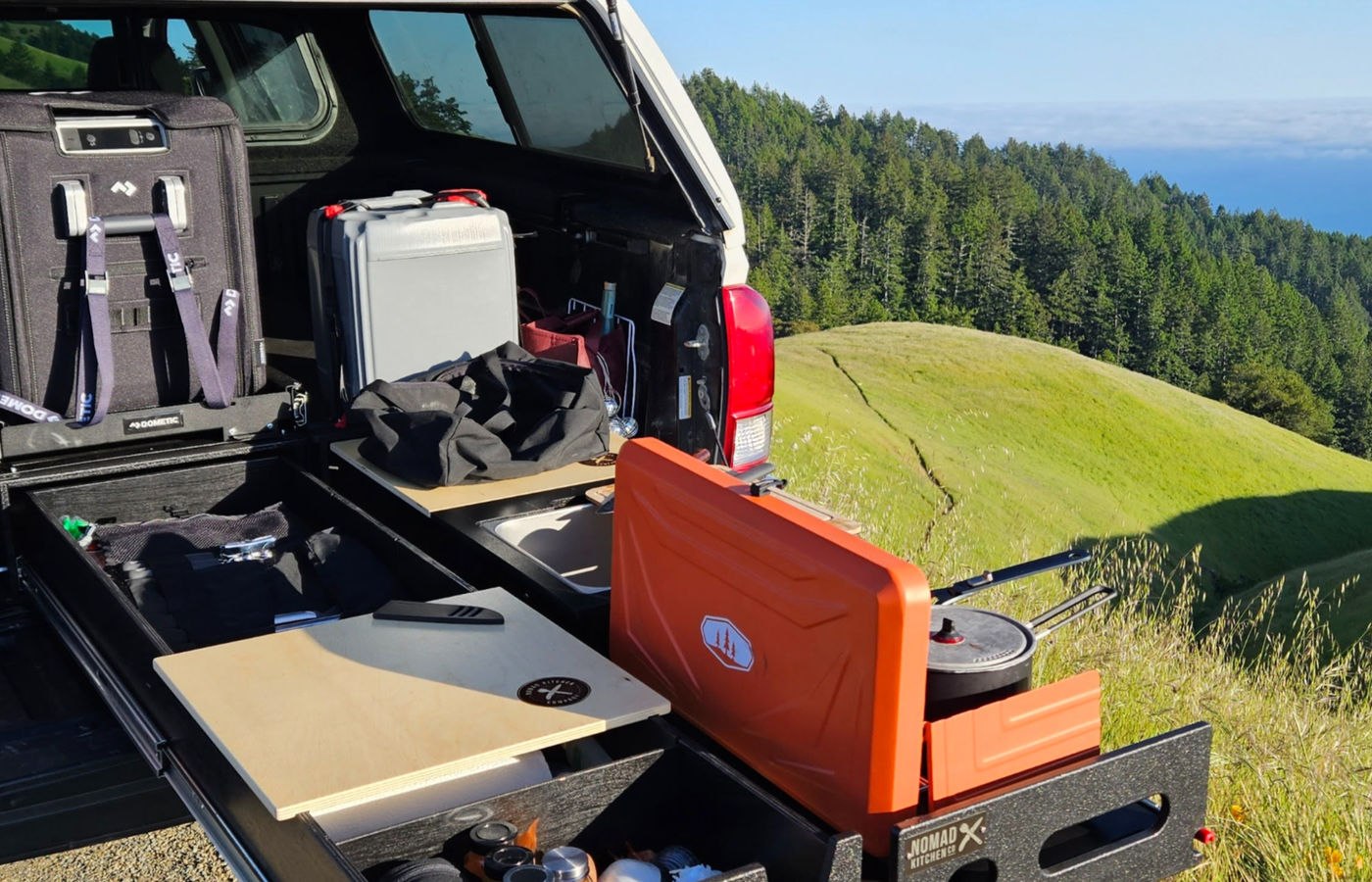
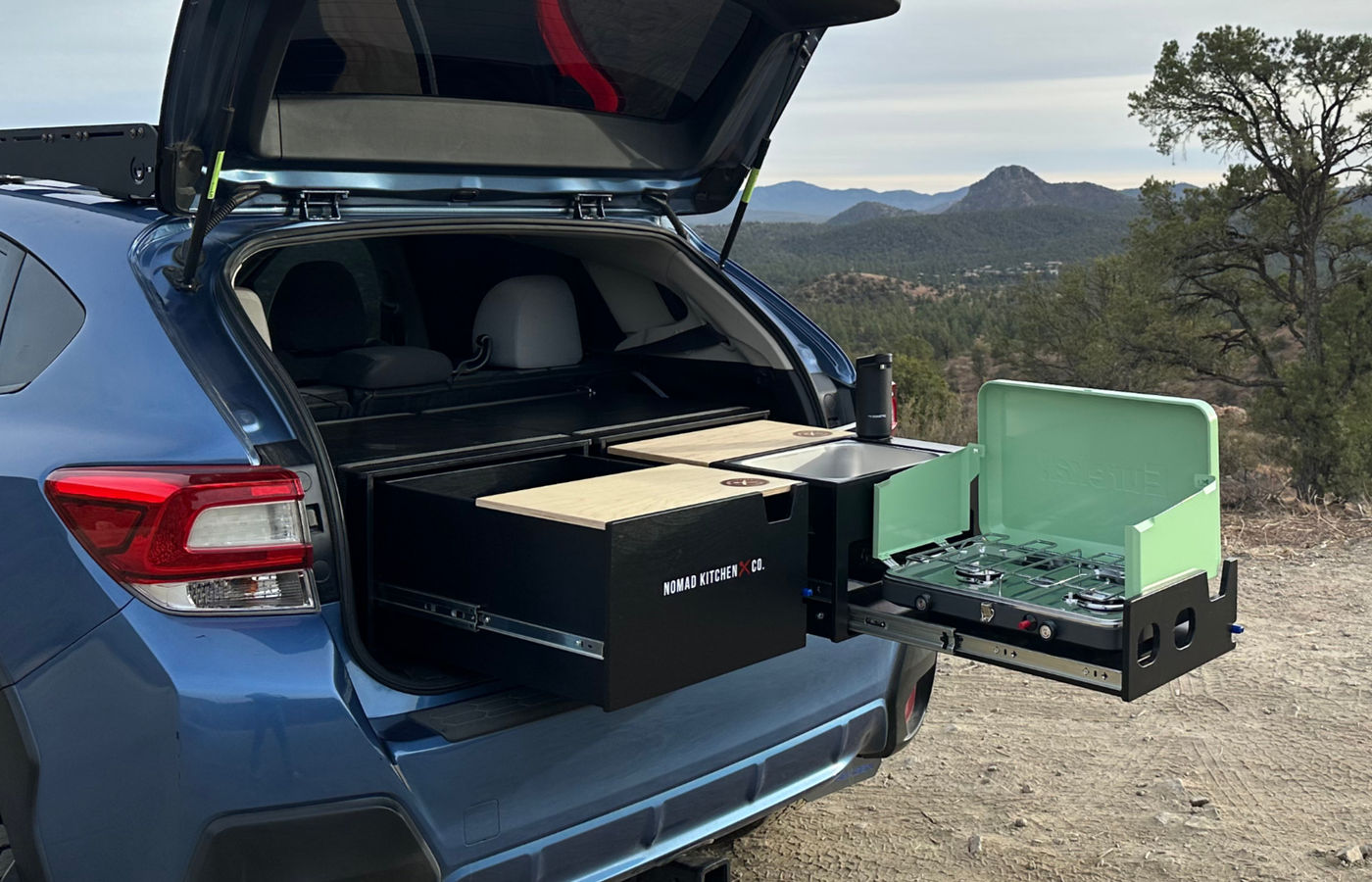
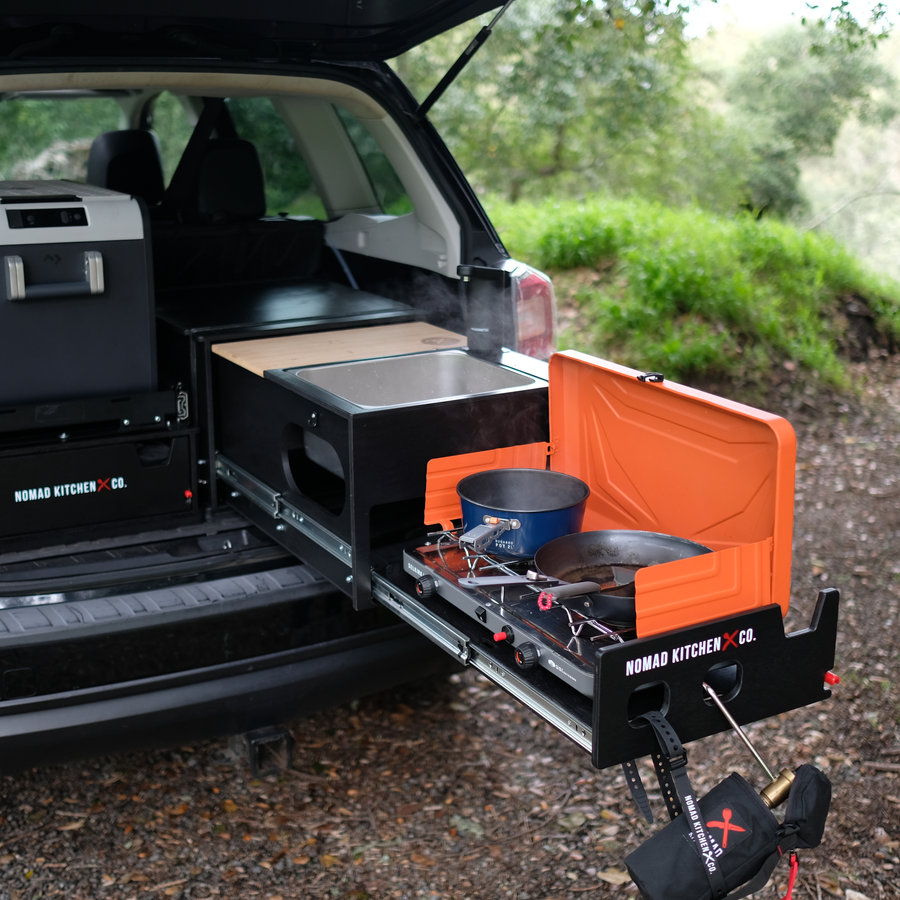
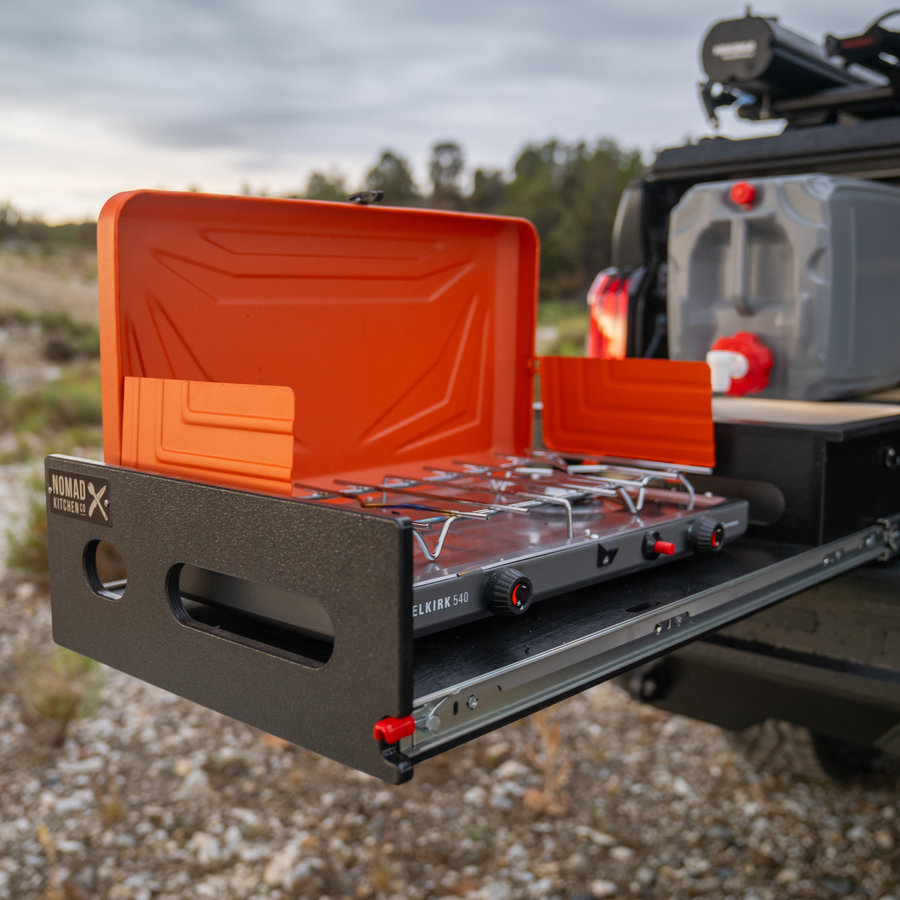
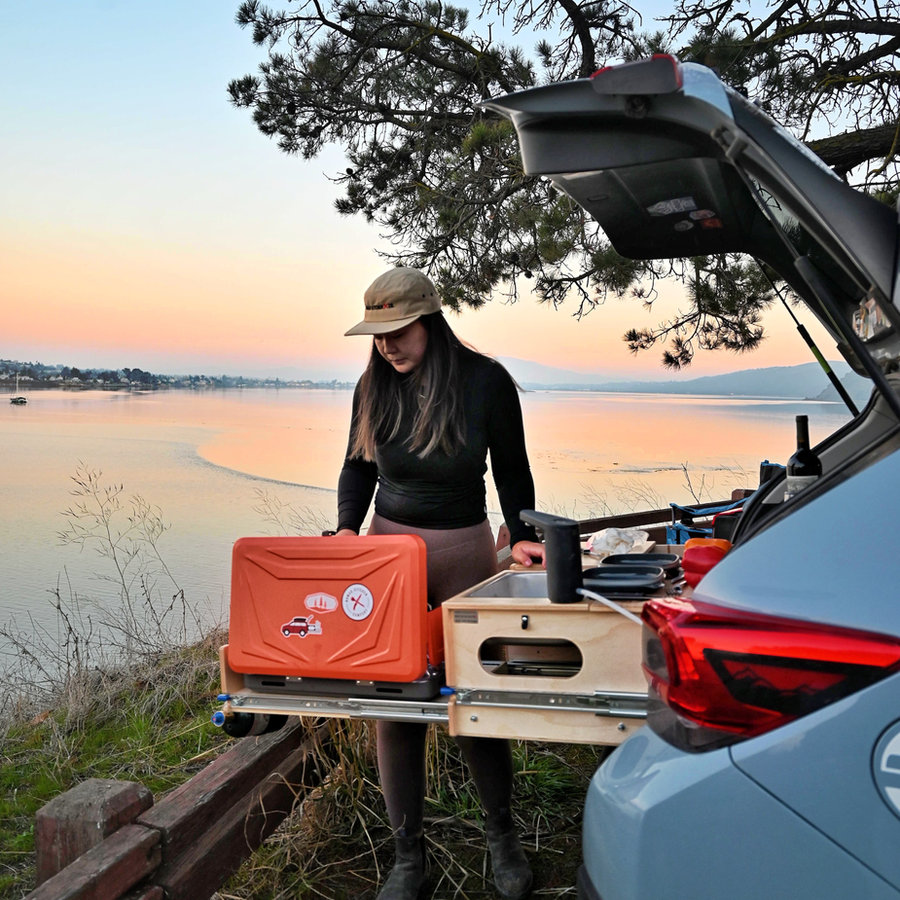
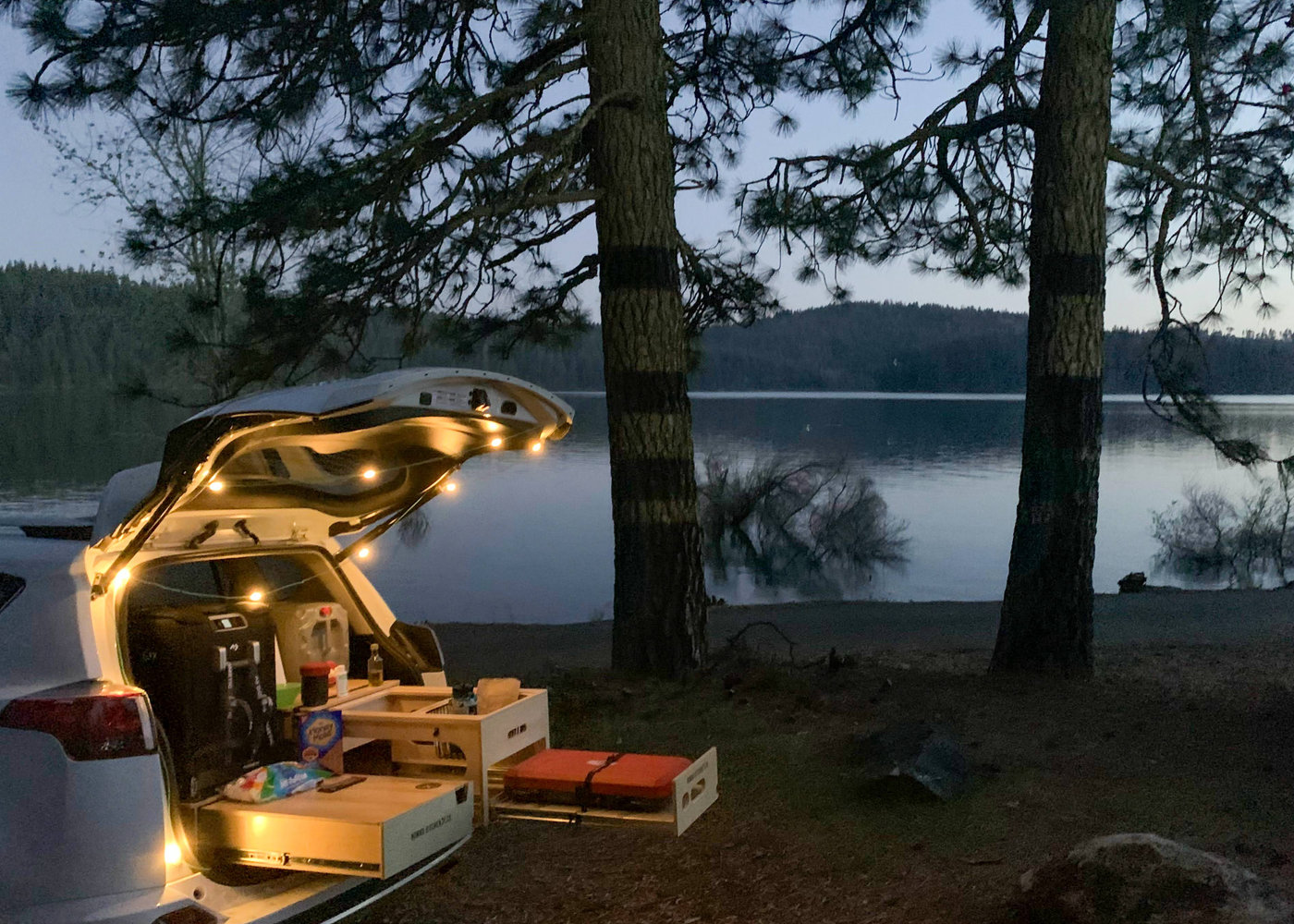
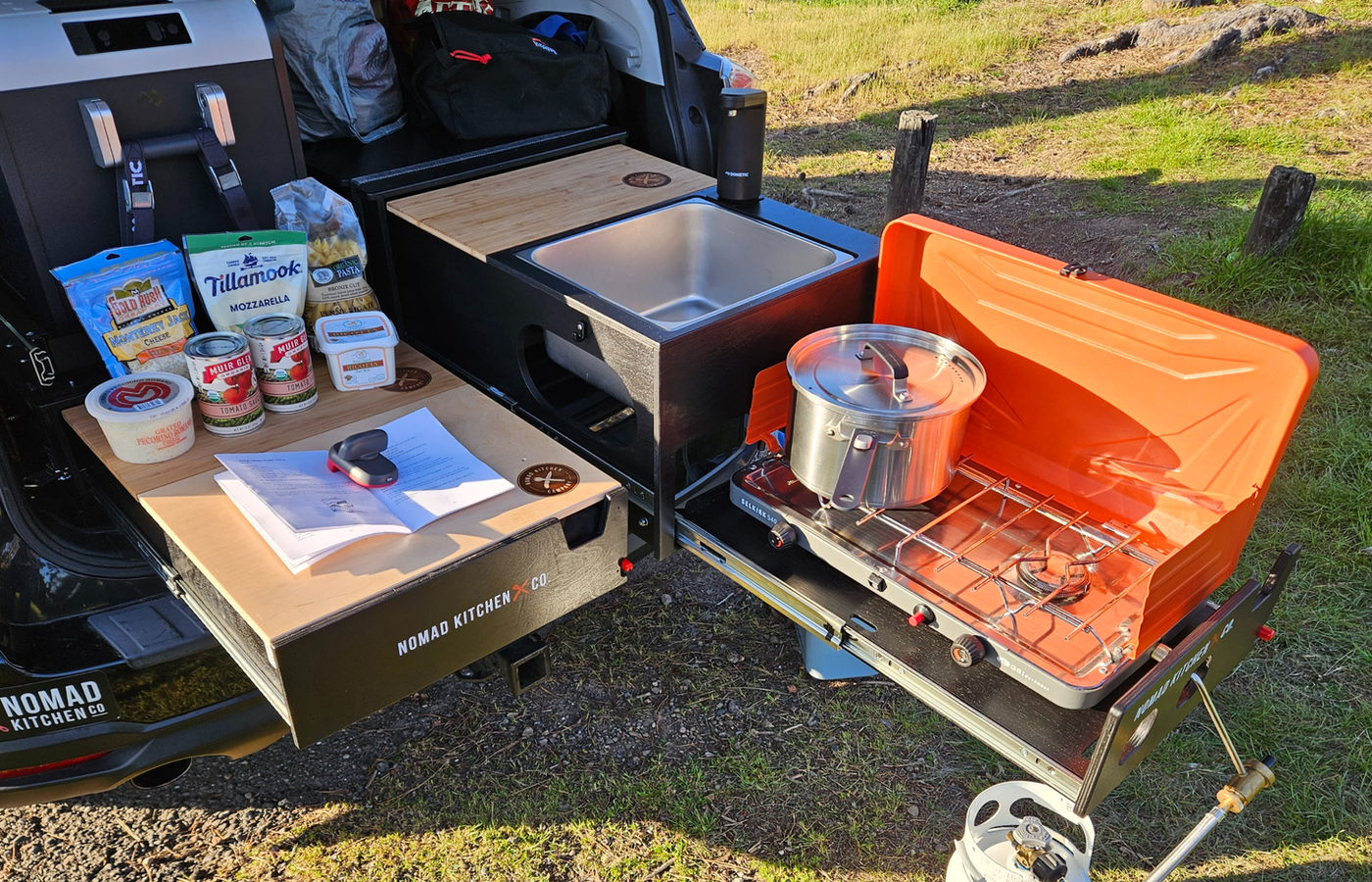
Nomad Kitchen Company manufactures and markets portable kitchen and drawer systems for car camping, overlanding, and tailgating enthusiasts. The systems run from around $999 to $1,649, and bundles pass $4,000. They are heavy steel hardware that has to physically fit inside a specific vehicle.

That is the whole problem. Nobody spends four figures on a steel unit they are not certain will fit behind their back seats. And nobody wants to freight-ship a 56 lb kitchen back because they guessed wrong.

Goal

Design the B2C site so a first-time visitor could determine which system fits their vehicle, understand what they were buying, and complete the purchase without calling anyone.

My role

Founding product designer. I owned the site design end to end: research, information architecture, the Fit Your Vehicle flow, the FAQ page, the product listing page, and the embedded store integration. I ran the usability testing myself.

Pain Points

Fit uncertainty stalled the purchase

Three product series with overlapping vehicle coverage, two drawer heights, and two drawer widths. A customer could not tell which combination applied to their car, so the decision stopped at the most expensive moment.

The phone paid for the confusion

Questions that belonged on the page were arriving as calls. For a small family-operated manufacturer, every one of those calls is a real cost.

No fit database was possible

A make-and-model configurator would need a maintained vehicle database, updates for every model year, and would fail outright on any vehicle nobody had tested. On a Wix site with no engineering team, it was not on the table.

Initial challenge

How might we help someone know, with certainty, that a kitchen system will fit their vehicle, regardless of what they drive or how much they know about it?

Design Process

  1. 1

    Starting from the support load

    I began with the questions the company was already fielding, and treated call volume as the usability metric.

  2. 2

    Reframing fit as a question about body type, not model

    The key decision was to stop asking customers what car they own and start asking what shape it is. The flow opens with one question, "What type of vehicle are you looking to outfit?", and offers eleven body types.

    Everyone knows whether they drive an SUV, a van, or a pickup, even if they don't know their cargo dimensions. Body types also don't change with each new model year, so the guide works for vehicles the team has never tested and never needs a vehicle list updated. On a Wix site with no developer, that was the only approach the team could keep running.

  3. 3

    Asking a second question only when it's needed

    For most vehicles, knowing the body type was enough, so customers went straight to their recommendations. Two groups needed one more question. Owners of full or midsize SUVs and minivans were asked whether their rear seats stay up or fold flat, since that changes how much space there is. Owners of small SUVs, crossovers, and wagons were asked to choose between the Original and the smaller Nano series. Most people answer one question, and nobody answers more than two.

  4. 4

    Ending on a page you can buy from

    Each path terminates on a filtered recommendation page showing only the systems that fit that vehicle, with prices, configuration options, and add to cart inline. The moment of confidence and the moment of conversion happen on the same screen.

  5. 5

    Being honest about which vehicles were tested

    Each product page split its vehicle list in two: cars the team had tested and confirmed, and cars that should fit but hadn't been tested yet. Some vehicles also needed an extra part, like a platform, to fit, and the page called those out too. Being upfront about what was and wasn't confirmed earned more trust than claiming everything would fit.

  6. 6

    Answering the questions that stopped people from buying

    I rewrote the FAQ page around the questions customers kept calling about: how much weight the kitchen can hold, how it attaches without drilling, what to do if the car has no tie-down points, and how to keep it level on a sloped trunk floor.

  7. 7

    Usability testing and iteration

    I ran multiple rounds of usability testing on the fit and purchase flows, iterating between rounds.

How the Fit Guide Works

Pick your vehicle type, answer one more question if needed, and see the kitchens that fit.

Customers choose from 11 vehicle types. Most go straight to their results, and a few get one extra question. Every path ends on a page showing only the kitchens that fit, where they can buy right away.

Fit guide flow From the homepage, one question asks the vehicle body type. Seven body types resolve straight to a filtered recommendation. Full or midsize SUVs and minivans get a second question about rear seats. Small SUVs, crossovers, and wagons get a second question choosing Original or Nano. All paths end on a recommendation page with add to cart. Anyone whose vehicle is not covered can book a consultation. Homepage Find your fit Q1 What type of vehicle are you looking to outfit? 11 body types Resolves immediately Compact SUV or crossover Hatchback Cargo van Trailer Fullsize pickup Midsize pickup Small pickup 1 question deep Seats change the fit Full or midsize SUV Minivan Size picks the series Small SUV or crossover Wagon 2 questions deep Q2 Rear seats stay up, or fold flat? Q2 Original or Nano? Filtered recommendation Only systems that fit Prices and options inline Answer and purchase on the same screen Add to cart Vehicle not covered? Book a consultation Entry Question Body type group Recommendation and purchase

The Design

Every screen is built to answer one question before a customer has to ask it.

The original production files are no longer available, so these wireframes recreate the key screens: the structure and flow that shipped, with real products, prices, and vehicle data from the live site.

Wireframes

01

Homepage

Low-fidelity version of the same page: hero with the fit finder, benefits strip, what is included, and the three series side by side.

02

Fit guide, step one

The same eleven vehicle types and the live recommendation panel, before any colour or photography.

03

Shop kitchens

The same category tabs, vehicle filter, product cards and comparison table that carried into the final design.

High Fidelity

The same pages, finished: brand colour, real photography, and the details that make it feel shippable.

High Fidelity · 7 screens

01

Homepage

The live site's content in a modern layout: the brand red, a vehicle fit finder in the hero, and the three series compared side by side.

02

About

The founder's story leads with a pull quote, the company profile becomes four scannable facts, and emergency preparedness gets its own dark moment.

03

Fit guide, step 1

Eleven vehicle types as cards with icons and a likely series, plus a live preview of the match.

04

Fit guide, steps 2 and 3

Narrow to the exact vehicle, confirm the fit, then build the setup with a live order summary.

Step 2Make & model

Step 3Your kitchen

05

Book an appointment

Six services with durations and locations, and a scheduler that opens on the same page.

06

Shop kitchens

Category tabs, a vehicle filter, and a comparison table so nobody has to open three product pages.

07

Product, cart, checkout, confirmation

The full purchase flow, ending with a hand-off to book a vehicle outfitting appointment.

Screen 1Product page

Screen 2Cart

Screen 3Checkout

Screen 4Order confirmed

Building the Visual Language

The colors, type, and building blocks behind every screen. The palette comes from the brand's own logo, the dark brown and red, set against the sand and canvas tones of a campsite. Every text and background pairing meets WCAG AA contrast, so the site stays readable outdoors and on small screens.

Color

Ember 600#B1292B · Primary action
Ember 700#8E2023 · Hover, pressed
Char 900#241A16 · Text, dark surface
Bark 600#5C4A3F · Secondary text
Pine 700#2F5D46 · Confirmed fit
Amber 700#7F5310 · Expected fit
Canvas 50#F7F2EA · Page background
Sand 200#E8DDCC · Borders, dividers
Pine 50#E4EFE8 · Confirmed tint
Amber 50#F6EAD3 · Expected tint

Typography

Display · Archivo Condensed ExtraBold · 44

Find your fit

Heading · Archivo Condensed ExtraBold · 30

Original Series

Title · Inter Semibold · 17

Will it fit your vehicle?

Body · Inter Regular · 15

Behind the rear seats of most SUVs, crossovers, and wagons.

Label · Inter Bold · 11, tracked

Step 1 of 2

Buttons

Add to cart Hover Book a consultation Learn more Out of stock

Fit status

Confirmed fit Expected to fit Needs 3.5 in platform

Options and progress

Width

Standard 20 inNarrow 17 in
Step 1 of 2

What Made It Harder

Wix set the ceiling

No custom logic, no database, and no engineering support.

How I handled it

I built the fit guide as a branching set of linked pages rather than a dynamic configurator. It is a low-technology solution, and that is the point: it works, it needs no maintenance, and a company with no developer can keep running it. Designing to what the team could actually sustain was part of the brief.

A wrong purchase is expensive for both sides

A misfit means a four-figure refund for the customer and a freight return for a small manufacturer.

How I handled it

Confidence became the design target instead of speed. Explicit vehicle lists, verified versus unverified fit states, real dimensions, photos of systems installed in actual vehicles, and a booked consultation as the fallback for anyone whose vehicle was not covered.

How It Landed

The design is still live, and still running the structure I built.

Support calls dropped

40% fewer customer service calls.

Sales rose

18% increase in sales.

Tasks got easier

23% higher task completion in testing.

Still running today

Fit guide is the primary homepage entry point The body type question still opens it Three series still organize the range Recommendation pages still carry the purchase

Learnings

Phone calls were the real feedback

Analytics never showed the problem. The ringing phone did. Counting calls gave me one number that mattered to the business and the customer at once.

Ask what people already know

Asking for make and model would have been more exact but less useful. Everyone knows the shape of their own car. Building on what people already knew removed the database, the upkeep, and the dead ends.

Saying what you don't know builds trust

Marking some cars as untested felt like admitting a weakness. Customers read it as honesty, and it prevented the returns a confident guess would have caused.

Check out what else I've worked on